
SimpleDraw Plus
$10 for a year's access
Everything below, for the price of a sketchpad, a pen and a ruler.
Get SimpleDraw Plus3D & VR Walkthrough
See your space before you change it. Walk through your floor plan in immersive 3D - in your browser, or in a VR headset. One click, no setup, no additional software.
One-click 3D view
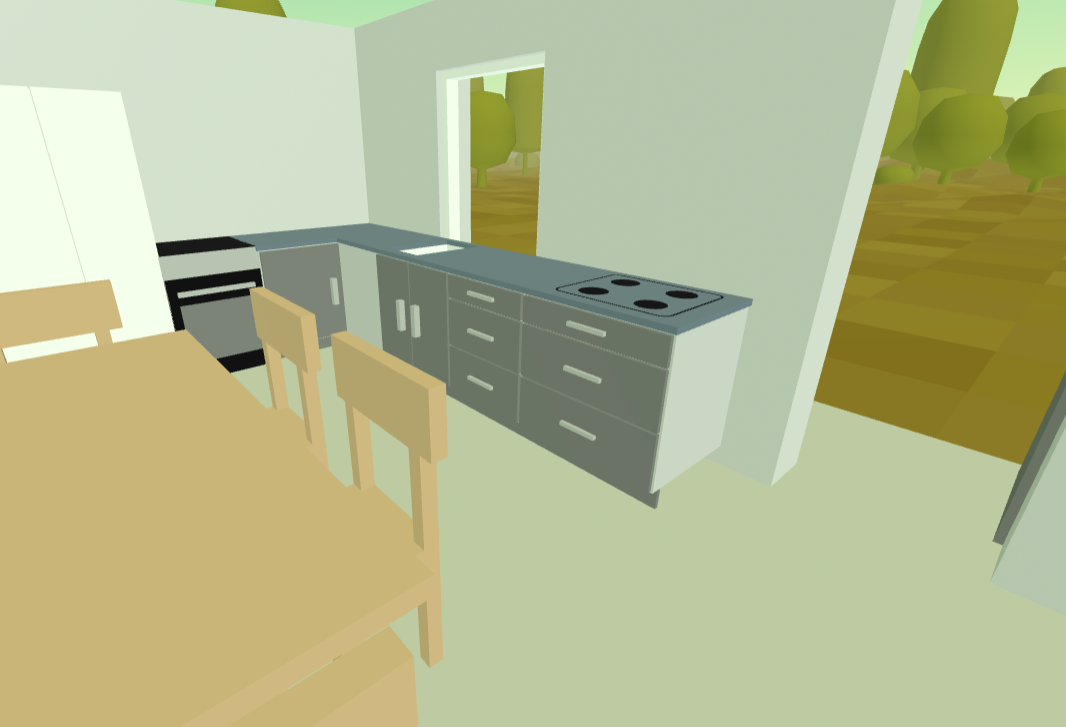
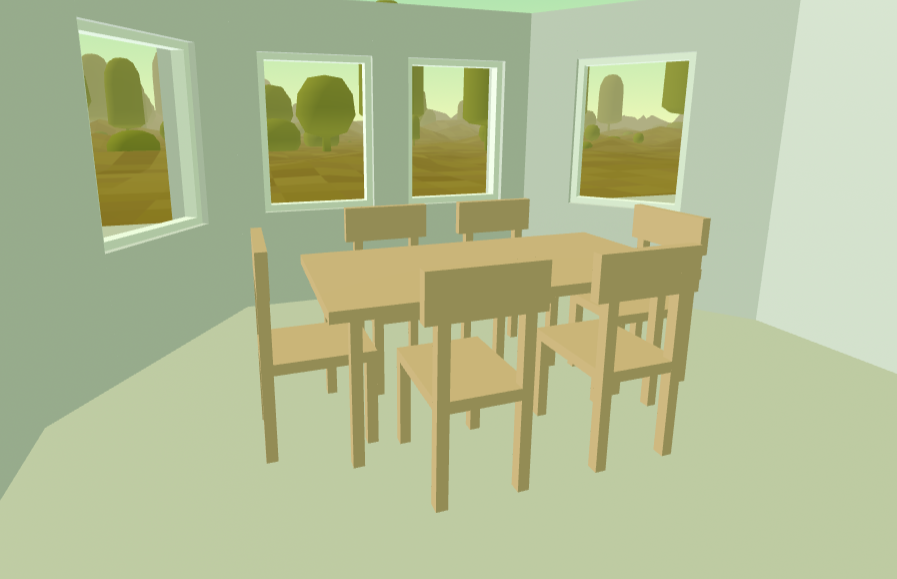
Click the 3D button and walk through your floor plan instantly on your computer - no headset required. Get a realistic sense of scale and layout before committing to any changes.
Immersive VR
Have a VR headset? Step inside your floor plan in full immersive VR. Works with Meta Quest 2, 3 and Pro, Apple Vision Pro, HTC Vive, and most WebXR-compatible headsets - with no app downoad required.
Furniture in 3D
Walls and furniture items from your floor plan are rendered in 3D, so you can see exactly how your space will look and feel before making any changes.
Try before you subscribe
Want to experience a VR floor plan before you subscribe? Visit our Gallery and try any VR-enabled drawing for free - no account needed.
Trace & Annotate Images
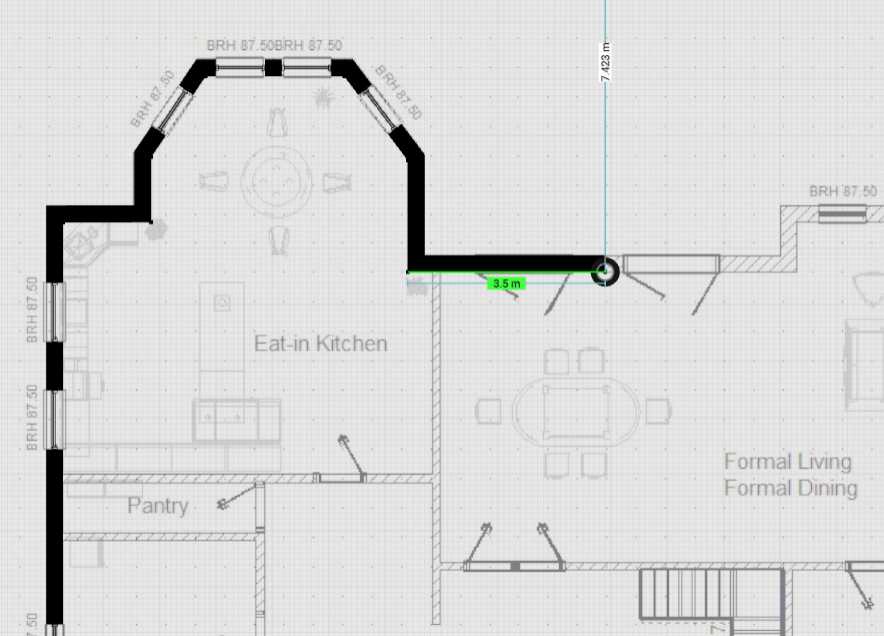
Upload any image as a background layer and trace directly over it - turning rough sketches, architect's drawings, or real estate floor plans into clean, accurate, to-scale drawings you can view in 3D or VR.
Trace existing floor plans
Got a photo of a real estate listing, a hand-sketched rough plan, or a scan of an architect's drawing? Upload it and trace directly over it to create a clean, accurate floor plan.
Annotate drawings
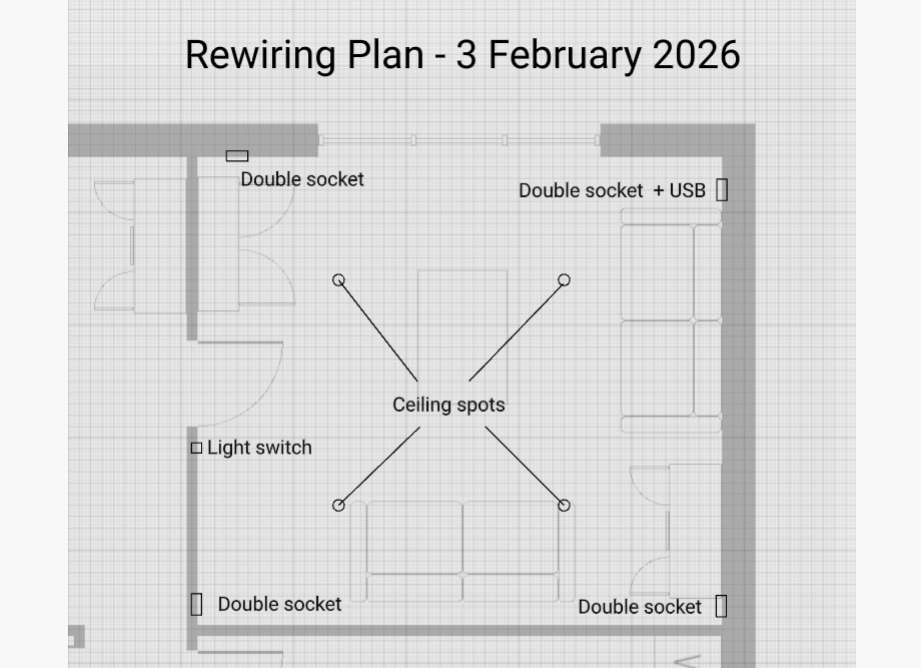
Add annotations to existing drawings - mark the positions of light switches, electrical outlets, plumbing, or anything else you need to plan around.
PDF floor plans
Have a PDF floor plan? We support PNG, JPG and WEBP uploads directly. If you have a PDF, we'll point you to a free converter - a quick extra step, and you'll be on your way.
Add custom images to your drawings
Images can be positioned in the foreground as well. Add logos, photos, or custom items to your drawings or floor plans.
Cloud Storage
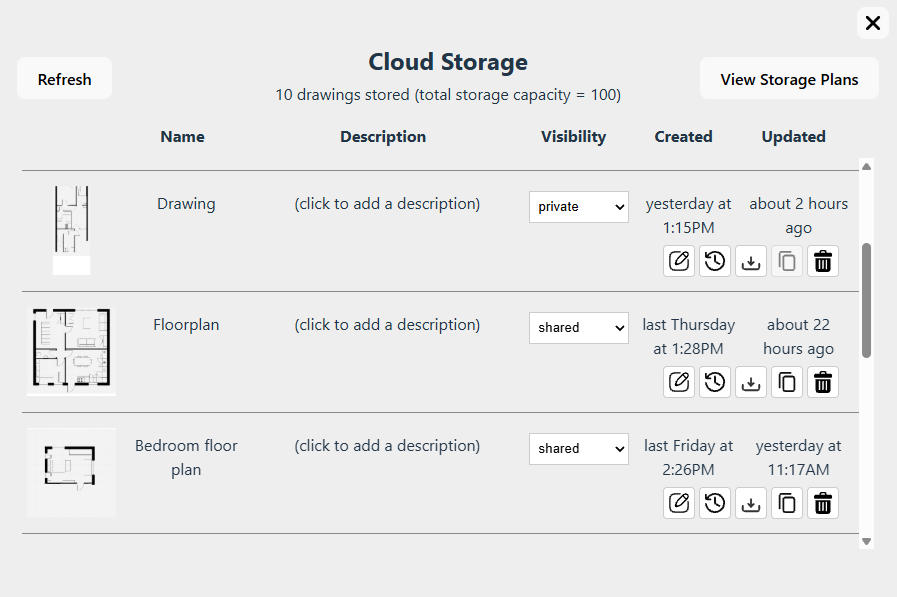
Your drawings, organized and accessible from any device. No file management, no lost files, no emailing yourself attachments.
Automatic saving
Changes to your drawings are saved to the cloud automatically - no manual saves, no lost work.
Access from any device
Start a drawing on your desktop, pick it up on your laptop. Your drawings are always where you need them. (Touchscreen devices currently support read-only access.)
Version history
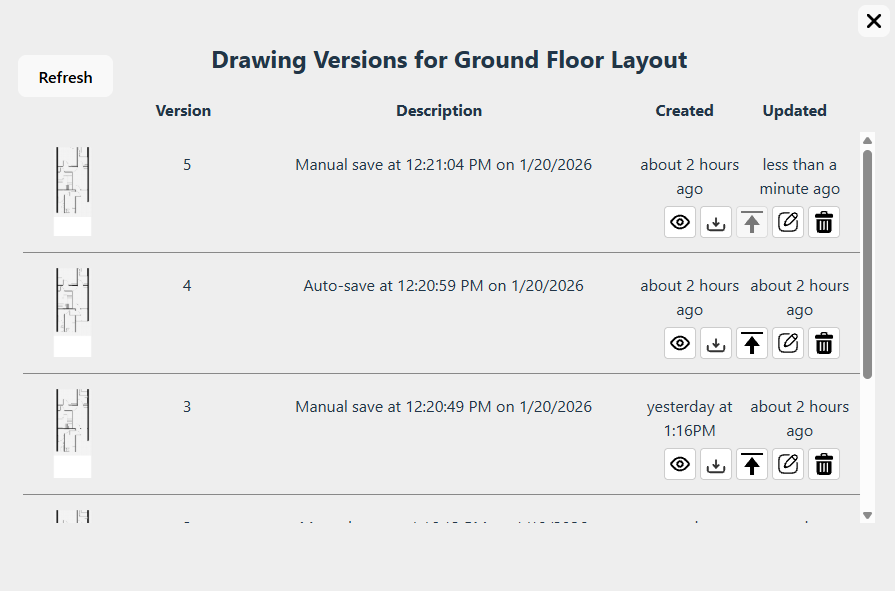
Made a change you regret? Every drawing keeps up to 10 previous versions. Restore, view, download or export any previous version at any time.
Share privately to any device
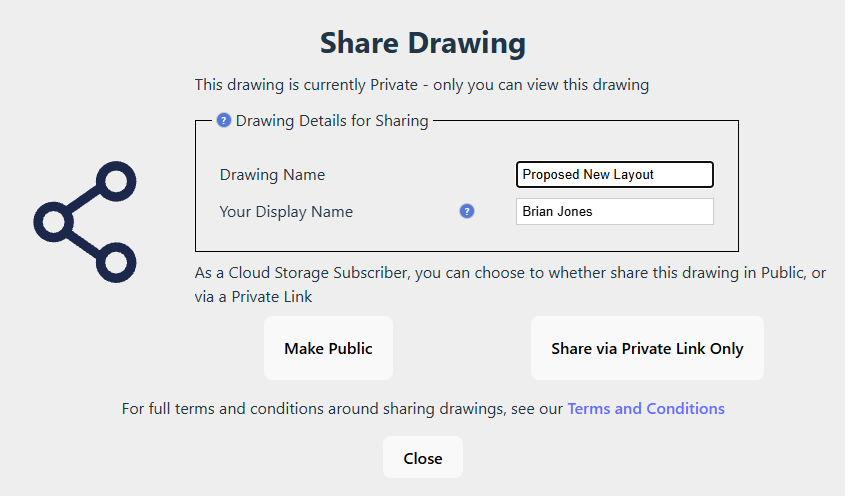
Share a drawing with your builder, architect or partner via a private link. Drawings can be viewed on computer, tablet or mobile phone, or even in a VR headset - with no need for an account or subscription.
Logo-free exports
Export your drawings as clean PNG images with no SimpleDraw watermark - ready to share, print, or include in presentations.
Your data, always
Download all your drawing data at any time. We don't hold your work hostage - it's yours.
For projects that matter
SimpleDraw Plus gives you 3D walkthroughs, VR, image tracing and cloud storage - all for the price of a sketchpad, a pen and a ruler.
Get SimpleDraw Plus - $10 for a year's accessNo hidden costs. Cancel any time. Compare all plans