What Can You Create?
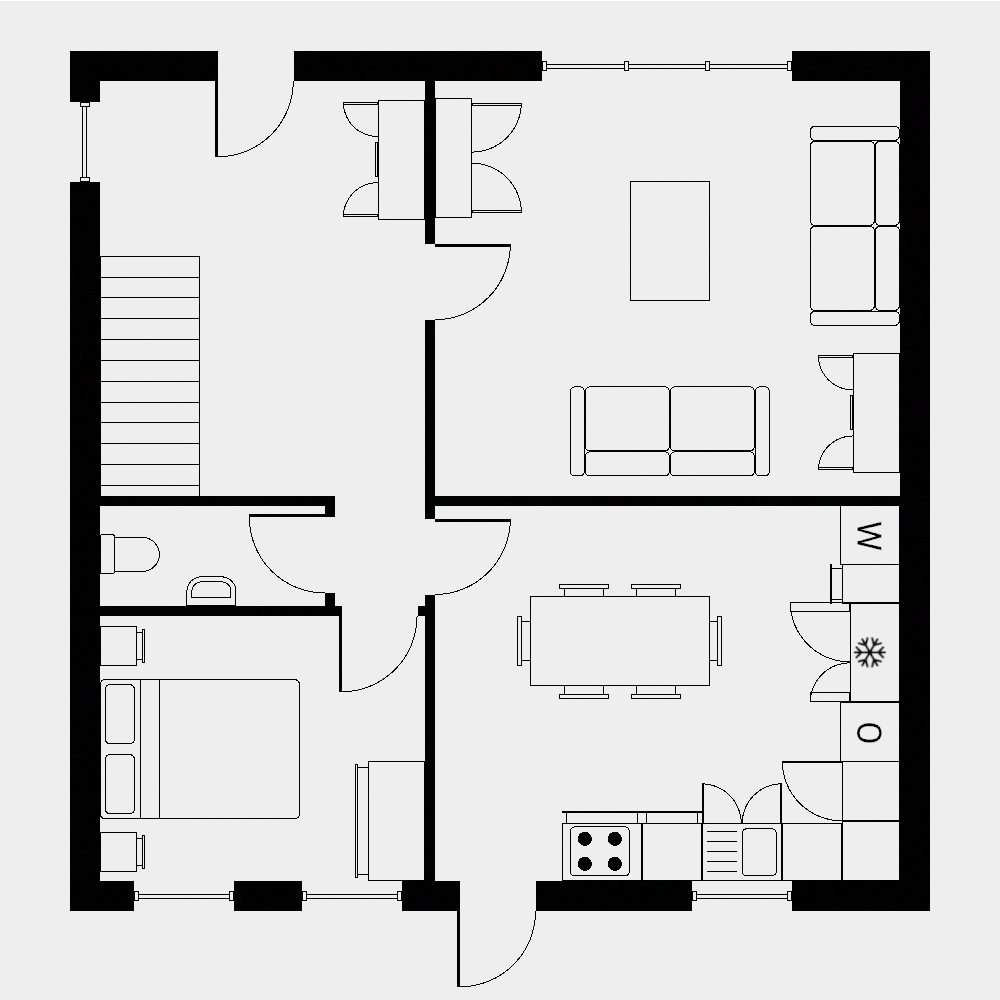
Kitchen & Bathroom Floor Plans
Plan your renovation with accurate measurements. Visualize layouts before you start work.
Room Layouts & Furniture Planning
Design bedroom, living room, or office layouts. See if furniture will fit before you buy.
Plus 3D and VR Walkthroughs
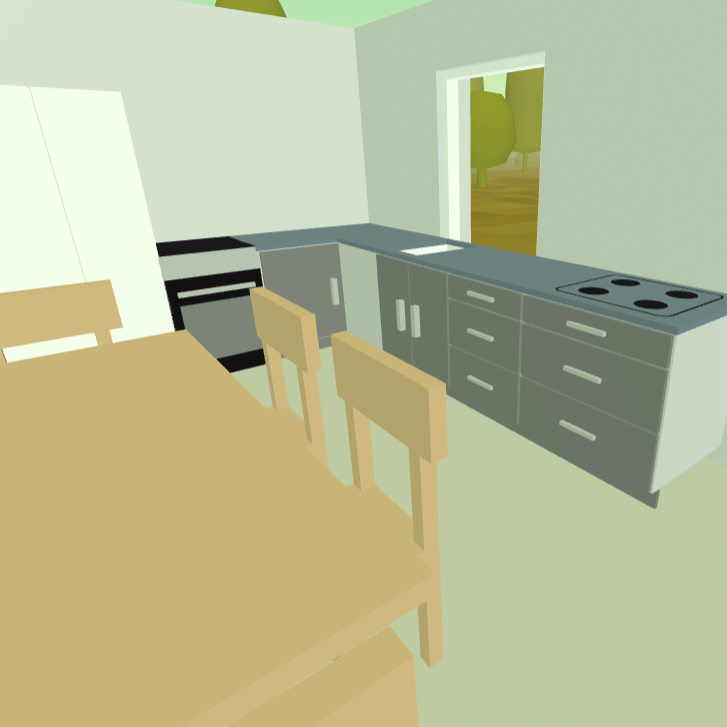
Step inside your floor plan before you commit to any changes. View in 3D on your computer, or in immersive VR.
Why Use SimpleDraw for Online Scale Drawing?
SimpleDraw combines the precision of professional CAD software with the simplicity of a drawing app. Get accurate measurements, smart alignment, and specialized floor plan tools. Free to use in your browser, with SimpleDraw Plus unlocking advanced features.

Accurate Measurements & Scale Drawing
Precise measurements and smart alignment ensure your drawings are accurate and to scale.
Specialized Floor Plan Creator
Create detailed floor plans with walls, doors, windows and furniture using our dedicated Floor Plan Mode.

Plus Start From What You Already Have
Trace over your existing drawings, or annotate them with measurements, fixtures or notes.
Powerful Features - Easy to Use
SimpleDraw delivers flexible, powerful scale drawing tools, while remaining accessible and intuitive for beginners...
...and easy to use for everyone.
Floor Plan Mode
A dedicated Floor Plan Mode for creating accurate floor plans of rooms, apartments, and houses.
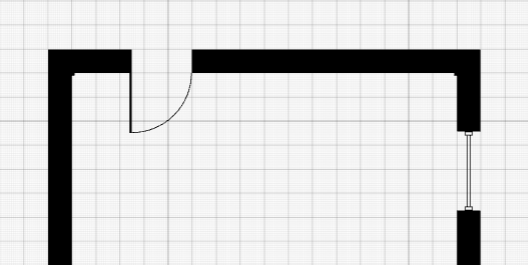
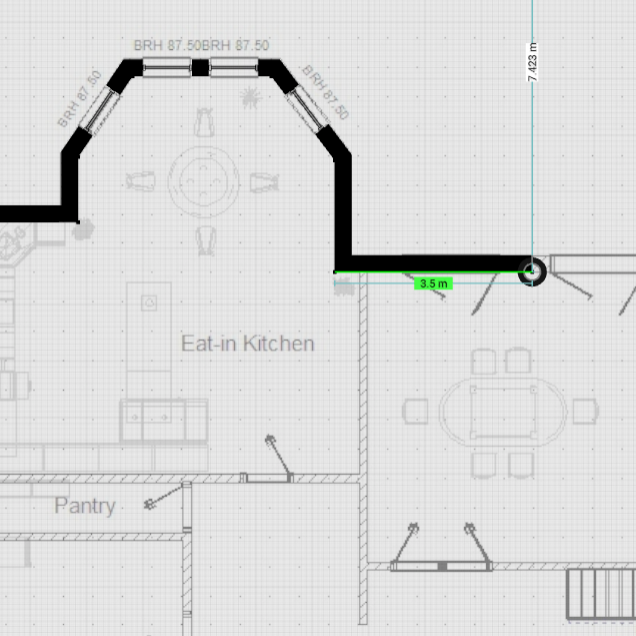
Draw walls, and add windows and doors, with a single click. View measurements in real-time as you make adjustments.
A range of interior fixtures for kitchen, bathrooms, living rooms and bedrooms are available to add to your floor plan. Follow SimpleDraw on Social Media, or join our Discord server for updates.

Plus Trace Images Into Accurate Floor Plans
Upload any image and trace over it — by hand, with precision.
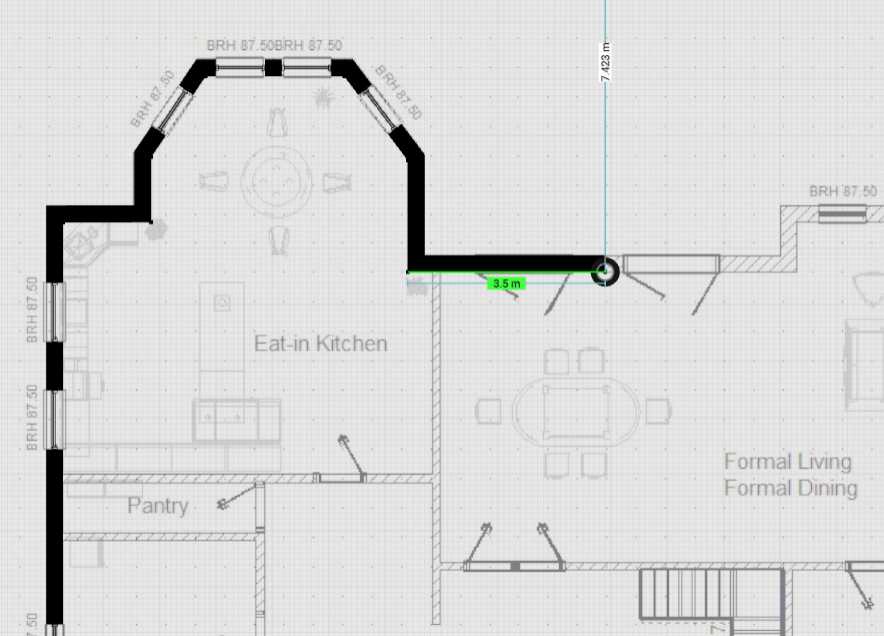
Got a photo of a real estate listing? A hand-sketched rough plan? A scan of an old blueprint? Upload it as a background layer in SimpleDraw and trace directly over it to create a clean, accurate, to-scale floor plan. Every wall, door and window placed exactly where you need it.

Plus View Floor Plans in 3D & VR
View floor plans in fully-immersive 3D using you VR headset. See updates in real-time as you make adjustments.
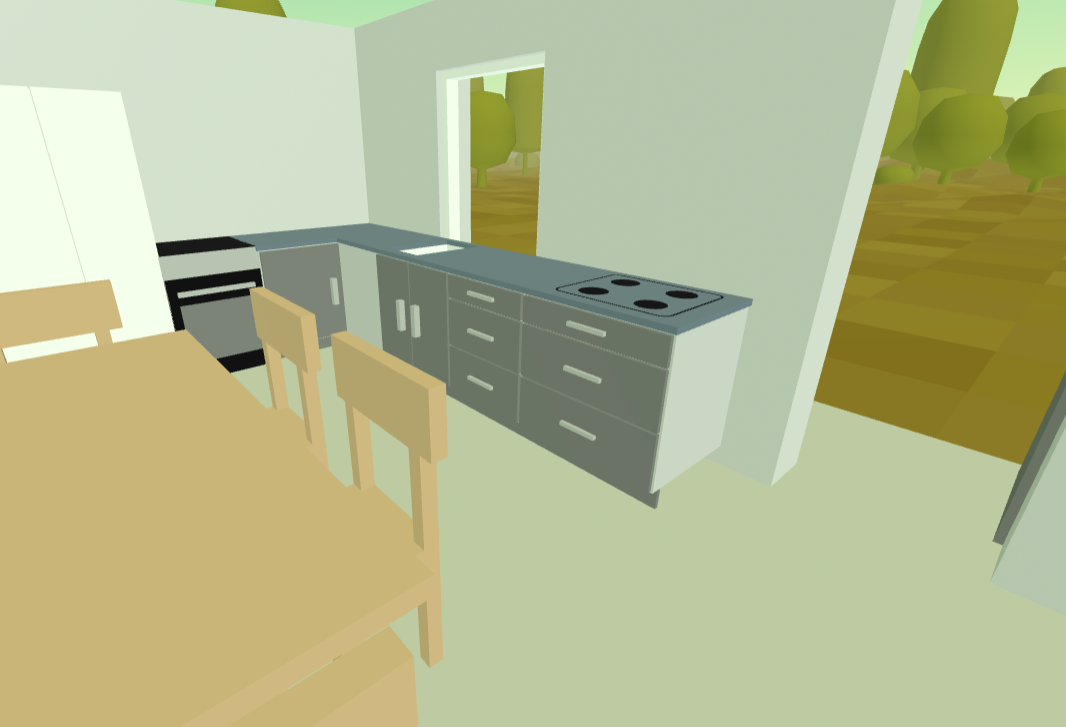
On your computer, view 3D renders of your floor plans from any angle.

Smart Alignment System
Assists you in placing points and lines exactly where you want them.
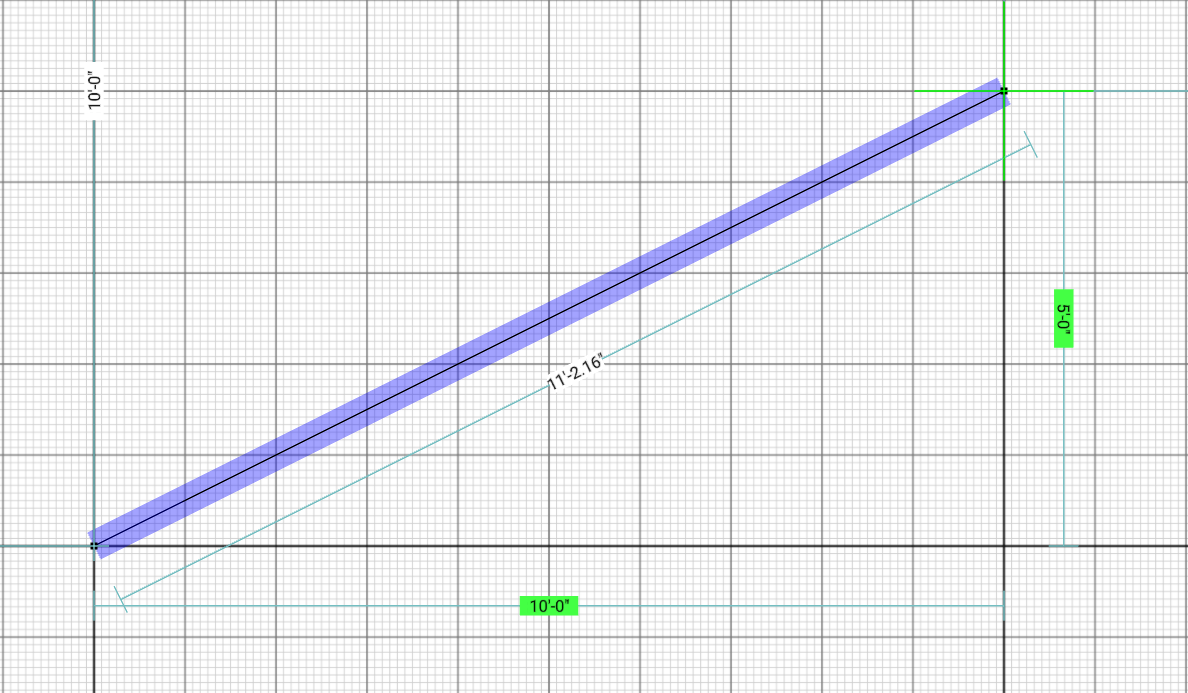
Just point your mouse in the right area, and SimpleDraw will position your line or point exactly where you want it - with clear visual indications to help you understand what's going on.
If it makes the wrong guess, zoom in for greater precision, and you'll be able to guide it correctly. Use keyboard shortcuts to lock lines or movements to the vertical or horizontal axes.

Flexible Zoom, Variable Precision
Zoom in and out with ease, targeting any part of your drawing that you choose.
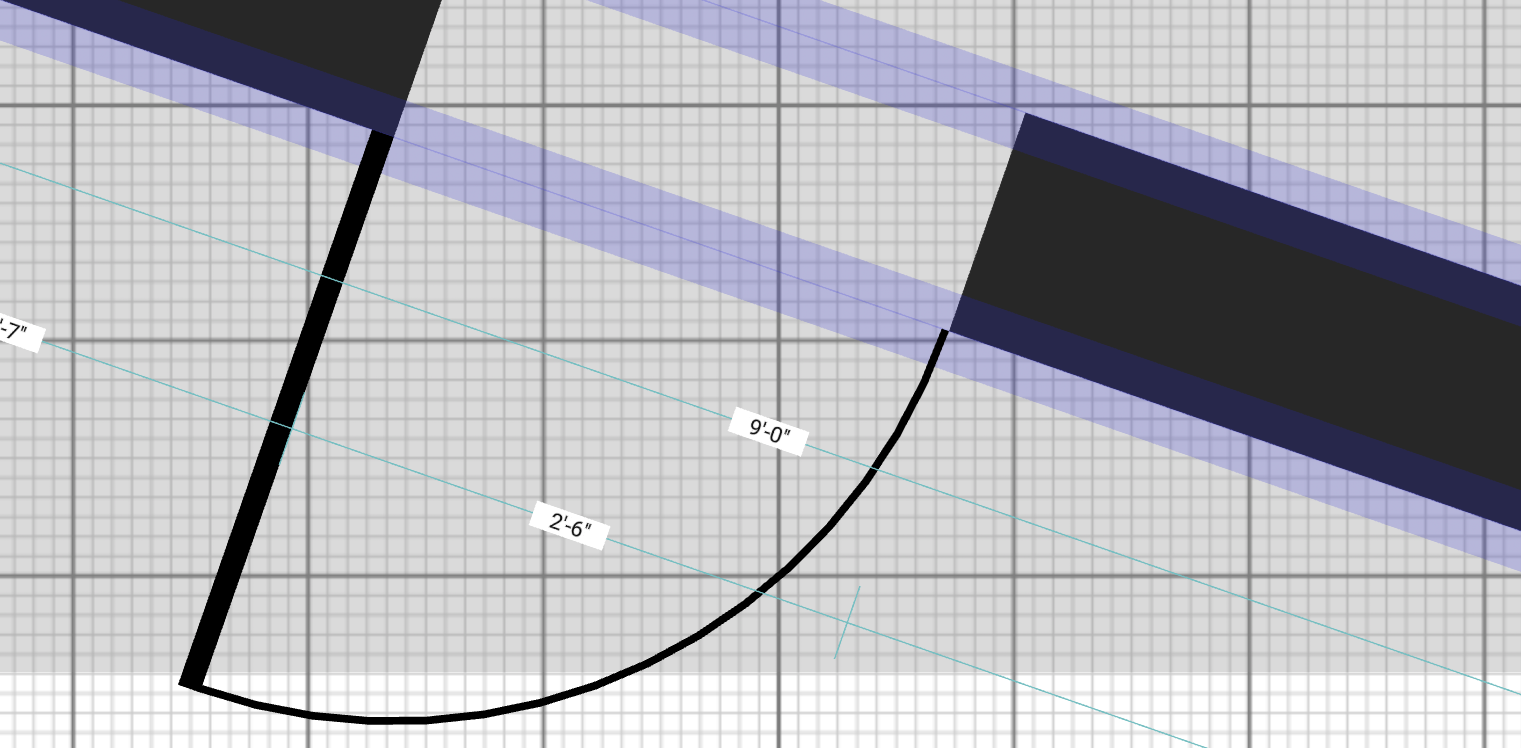
The precision of the alignment system adapts depending on your level of zoom, but can also be controlled independently, giving you precise control exactly when you need it.

Complete Control
100% non-destructive editing. Every element of your drawing can be modified or adjusted at any time.
Undo and redo buttons (and keyboard shortcuts) mean you can easily and quickly revert changes.
Groups of drawing elements can be moved, copied and pasted together, streamlining tedious, repetitive tasks.
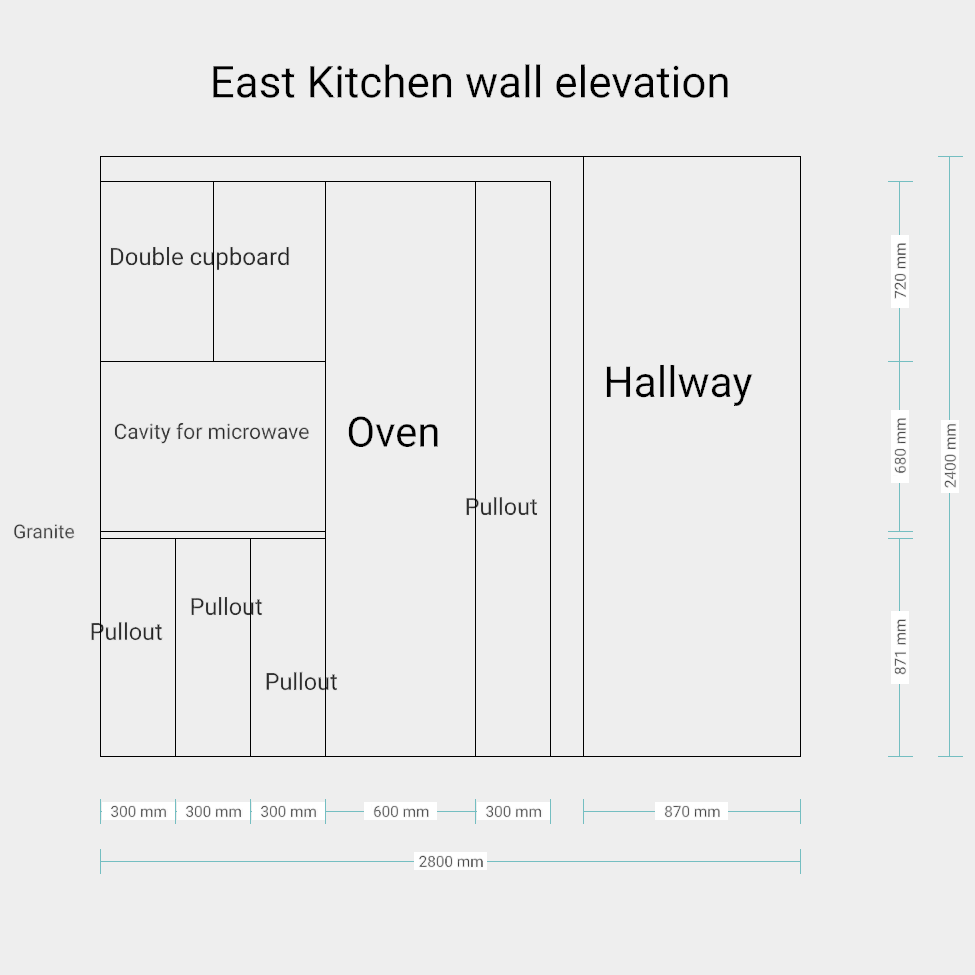
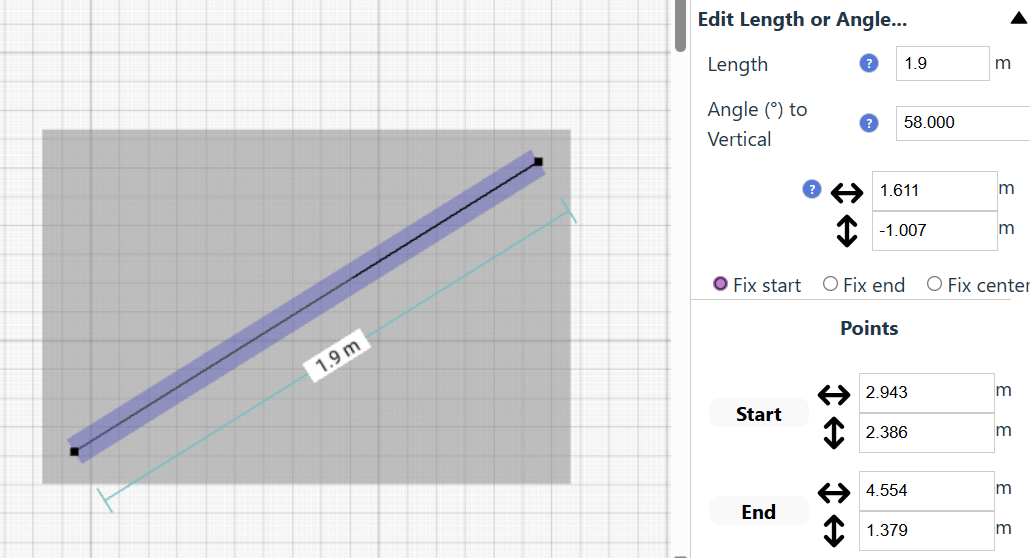
As an alternative to positioning elements using the mouse, positions, line lengths, and angles, can all be entered directly by keyboard, for any element in your drawing. Perfect for iterating on kitchen layouts, room designs, or home renovation plans.
Comprehensive Measurement System
A comprehensive measurement system, with fine controls over which measurements are displayed, and a choice of metric or standard US units (feet/inches).
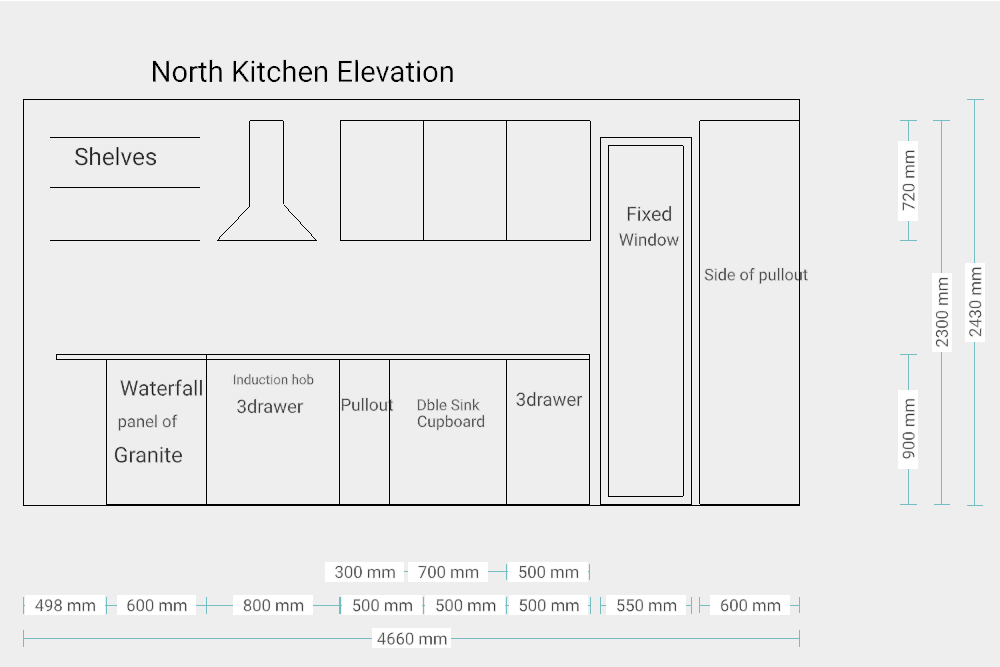
Contextual measurements are displayed dynamically as you work with your drawing, to help you to create your drawing exactly as you intended.

Community-Driven Development
SimpleDraw is evolving based on real user feedback. Join our Discord community to shape future features, and request improvements to the product.
All users are invited to participate in the community.
Some features (marked Plus ) require SimpleDraw Plus, from $5 USD for 3 months, or $10 for a full year (learn more).
A Video Introduction to SimpleDraw...
Ready to try it out for yourself?
Frequently Asked Questions
Everything you need to know about SimpleDraw's free online drawing tools
Ready to create your first floor plan?
Start Drawing Now