
SimpleDraw Plus
From $5 USD for 3 months, or $10 for a full year
Everything below, for the price of a sketchpad, a pen and a ruler.
Get SimpleDraw Plus3D & VR Walkthrough
See your space before you change it. Walk through your floor plan in immersive 3D - in your browser, or in a VR headset. One click, no setup, no additional software.
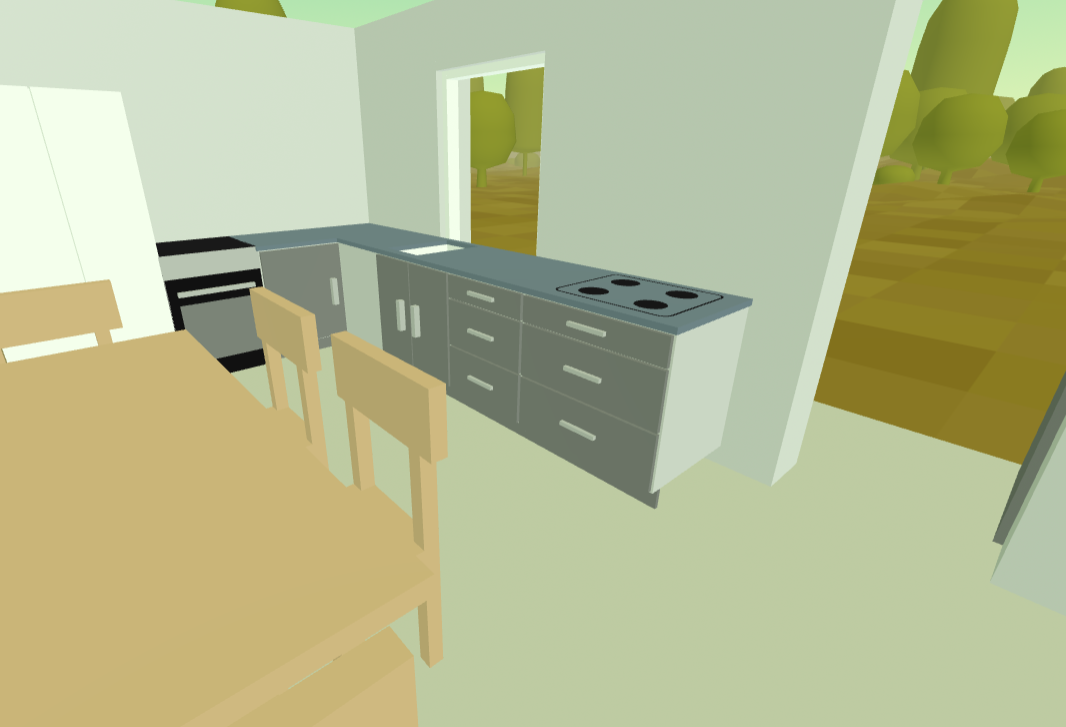
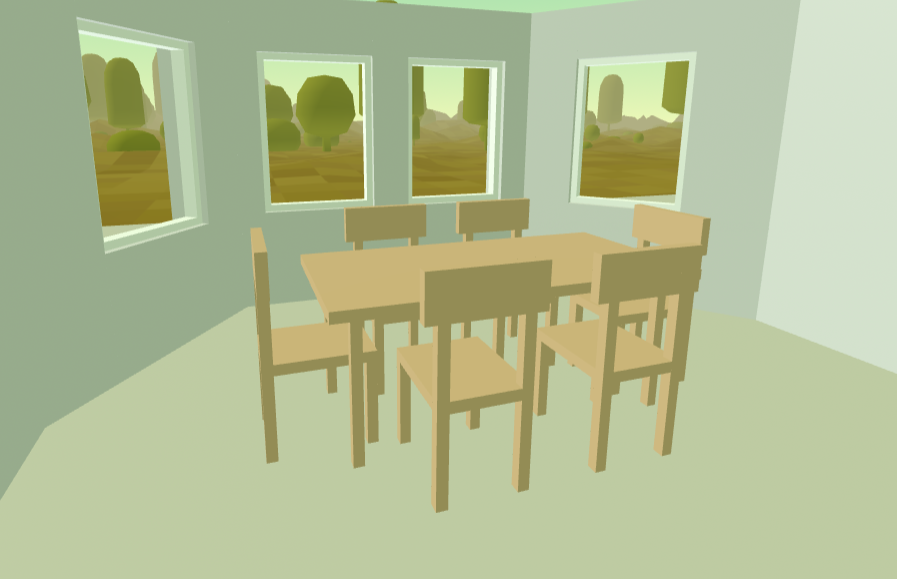
One-click 3D view
Click the 3D button and walk through your floor plan instantly on your computer - no headset required. Get a realistic sense of scale and layout before committing to any changes.
Immersive VR
Have a VR headset? Step inside your floor plan in full immersive VR. Works with Meta Quest 2, 3 and Pro, Apple Vision Pro, HTC Vive, and most WebXR-compatible headsets - with no app downoad required.
Learn more about VR & AR in SimpleDrawFurniture in 3D
Walls and furniture items from your floor plan are rendered in 3D, so you can see exactly how your space will look and feel before making any changes.
Try before you subscribe
Want to experience a VR floor plan before you subscribe? Visit our Gallery and try any VR-enabled drawing for free - no account needed.
Trace & Annotate Images
Upload any image as a background layer and trace directly over it - turning rough sketches, architect's drawings, or real estate floor plans into clean, accurate, to-scale drawings you can view in 3D or VR.
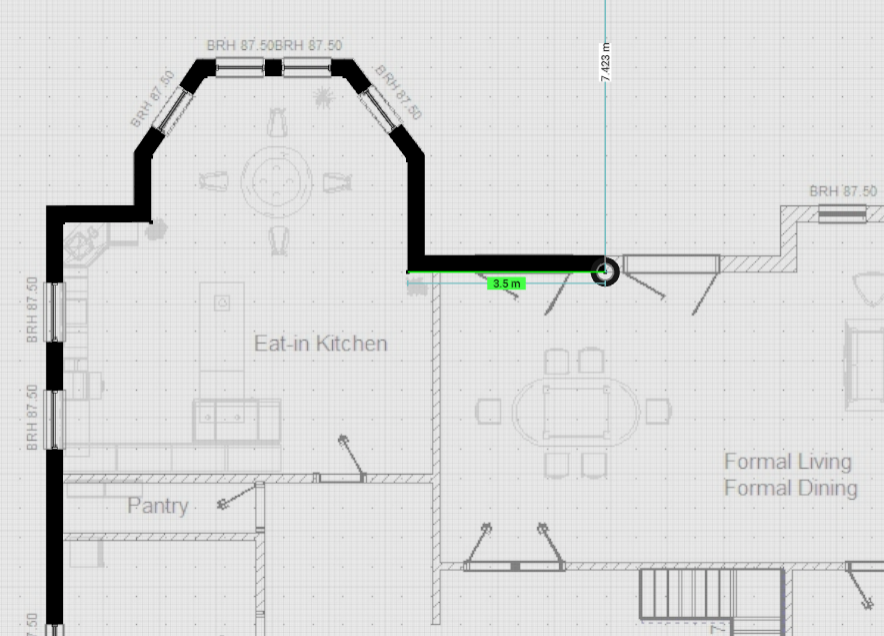
Trace existing floor plans
Got a photo of a real estate listing, a hand-sketched rough plan, or a scan of an architect's drawing? Upload it and trace directly over it to create a clean, accurate floor plan.
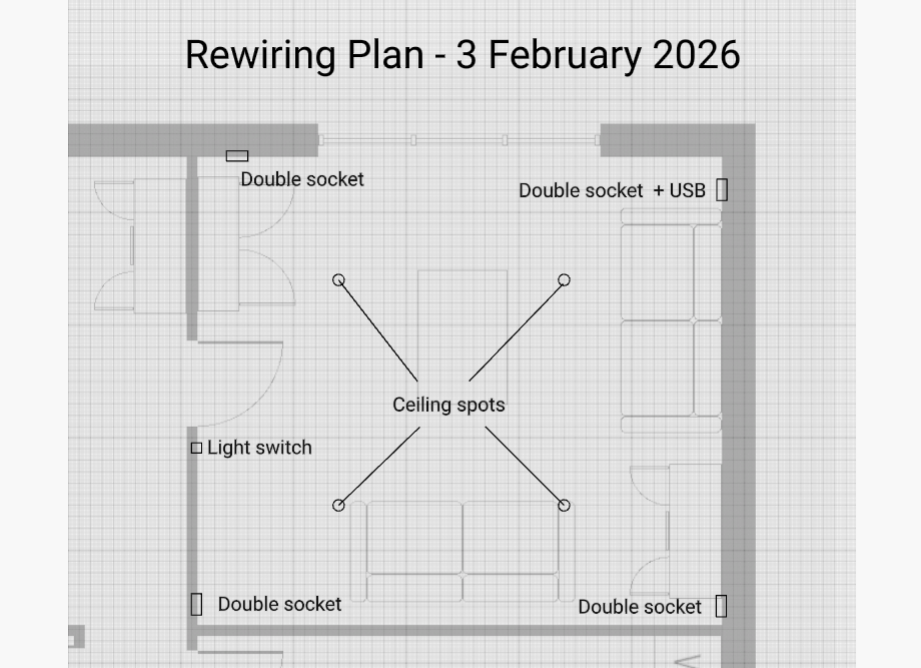
Annotate drawings
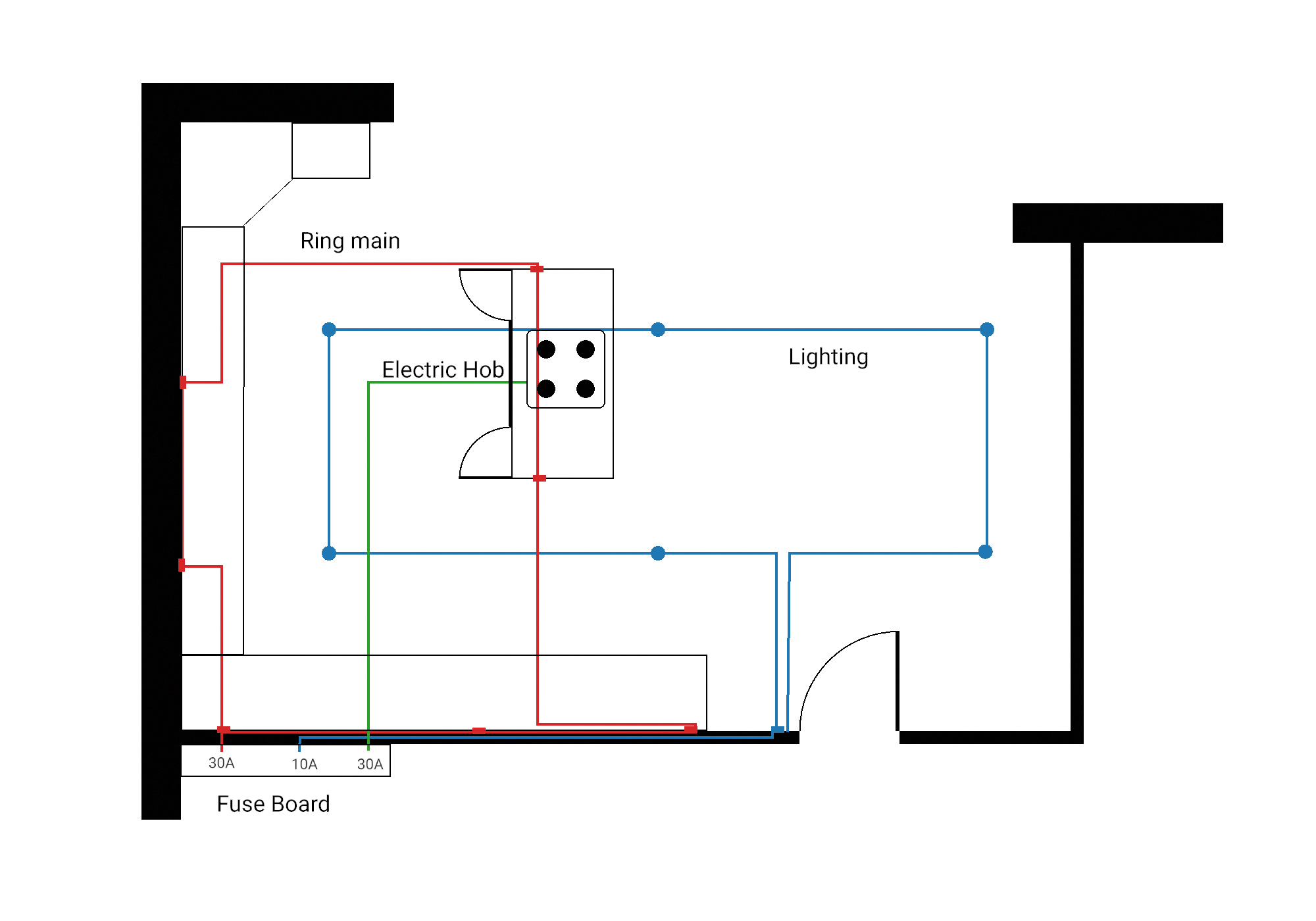
Add annotations to existing drawings - mark the positions of light switches, electrical outlets, plumbing, or anything else you need to plan around.
PDF floor plans
Have a PDF or SVG floor plan? Import it directly — from an architect, surveyor, or real estate listing — and start tracing straight away. SimpleDraw handles the conversion for you: no separate step, no extra tools.
Add custom images to your drawings
Images can be positioned in the foreground as well. Add logos, photos, or custom items to your drawings or floor plans.
Draw in Full Color
Bring your drawings to life. SimpleDraw Plus unlocks the full color picker - so a plan reads at a glance, and a design looks the part.
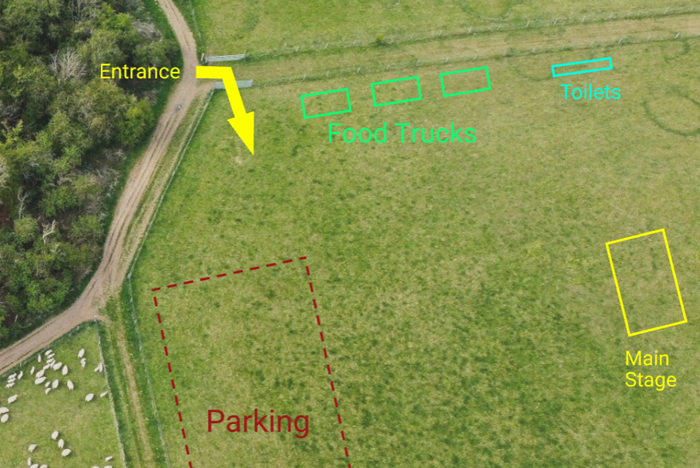
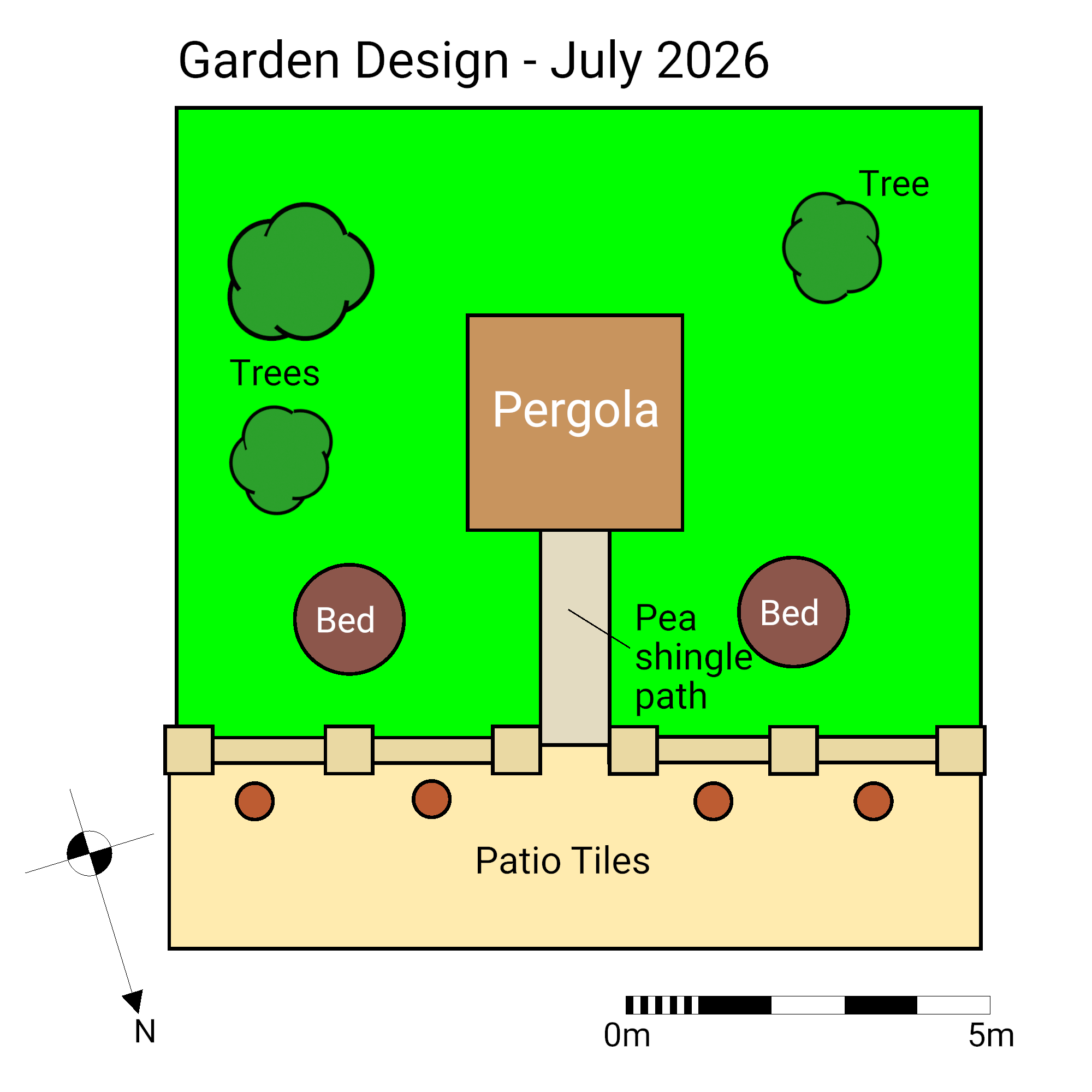
Full color picker
Color the lines, shapes, text and walls in your drawing.
Save and match your colors
Keep a saved palette of your go-to colors, and match any color already in your drawing with the eyedropper.
Cloud Storage
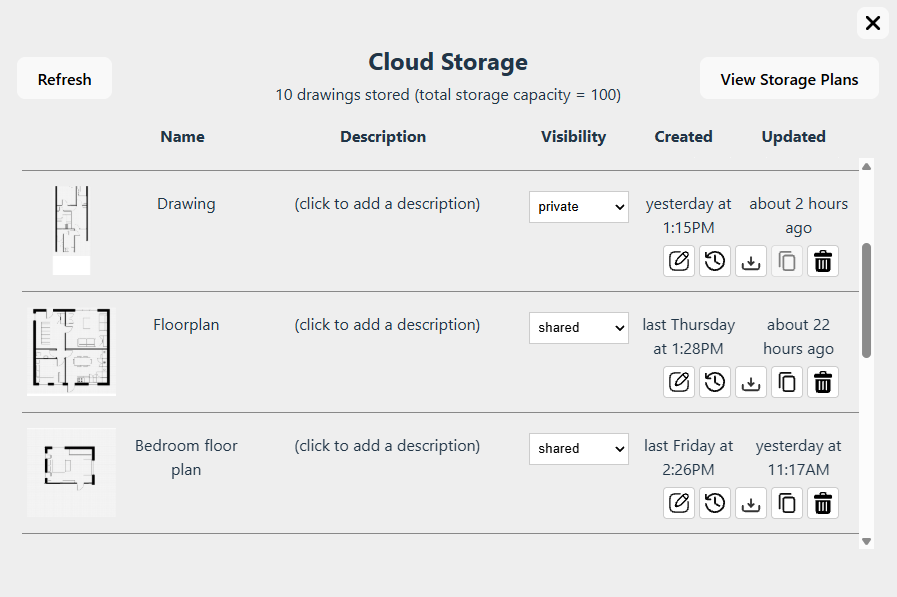
Your drawings, organized and accessible from any device. No file management, no lost files, no emailing yourself attachments.
Automatic saving
Changes to your drawings are saved to the cloud automatically - no manual saves, no lost work.
Access from any device
Start a drawing on your desktop, pick it up on your laptop. Your drawings are always where you need them. (Touchscreen devices currently support read-only access.)
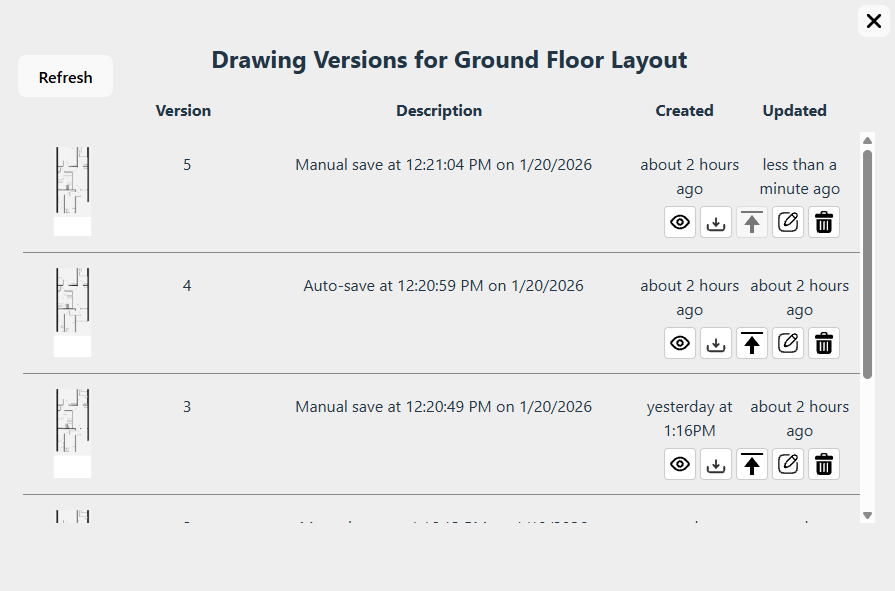
Version history
Made a change you regret? Every drawing keeps up to 10 previous versions. Restore, view, download or export any previous version at any time.
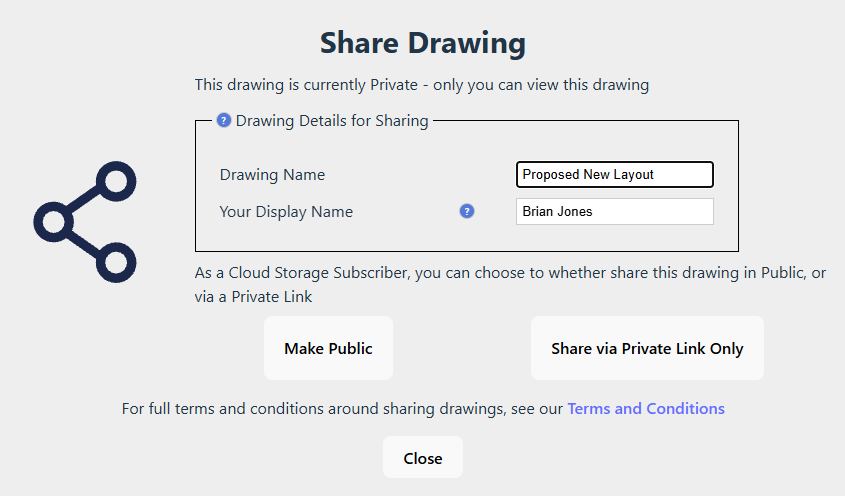
Share privately to any device
Share a drawing with your builder, architect or partner via a private link. Drawings can be viewed on computer, tablet or mobile phone, or even in a VR headset - with no need for an account or subscription.
Your data, always
Download all your drawing data at any time. We don't hold your work hostage - it's yours.
And more...
A few more perks included with SimpleDraw Plus.
Transparent-background exports
Export a drawing or a single item as a PNG with a see-through background, then drop it straight into another drawing - a clean cut-out, with no white box.
Logo-free exports
Export your drawings as clean PNG images with no SimpleDraw watermark - ready to share, print, or include in presentations.
For projects that matter
SimpleDraw Plus gives you full color, 3D walkthroughs, VR, image tracing and cloud storage - all for the price of a sketchpad, a pen and a ruler.
Get SimpleDraw Plus - from $5 USD for 3 months, or $10 for a full yearNo hidden costs. Cancel any time. Compare all plans
We believe software should be affordable, which is why Plus costs 5 to 10 times less than many other floor plan and drawing tools.
See how SimpleDraw compares