
Free Online Scale Drawing Tool
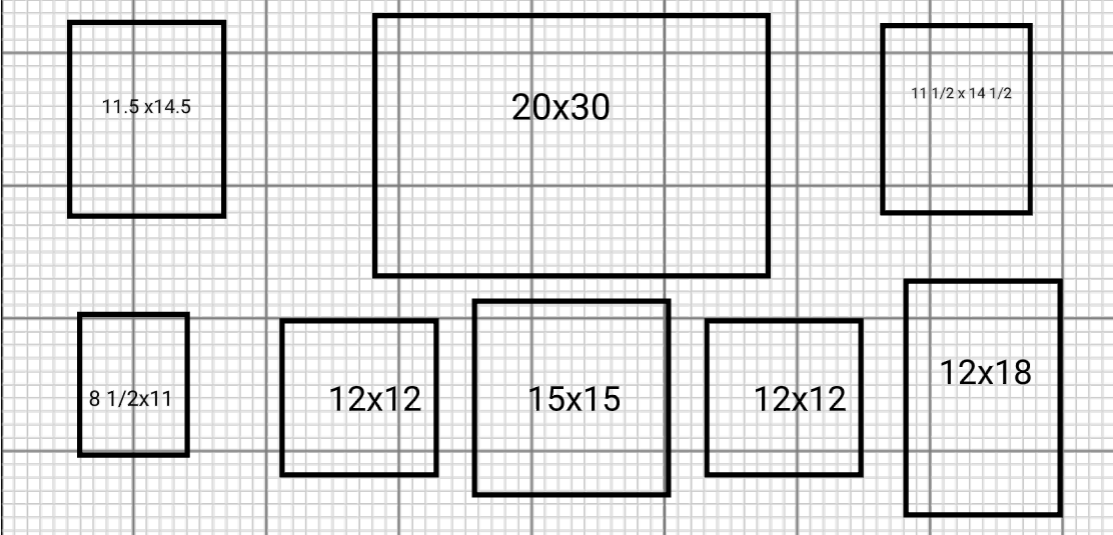
Not Just Floor Plans
SimpleDraw works for any 2D scale drawing — not just room layouts.
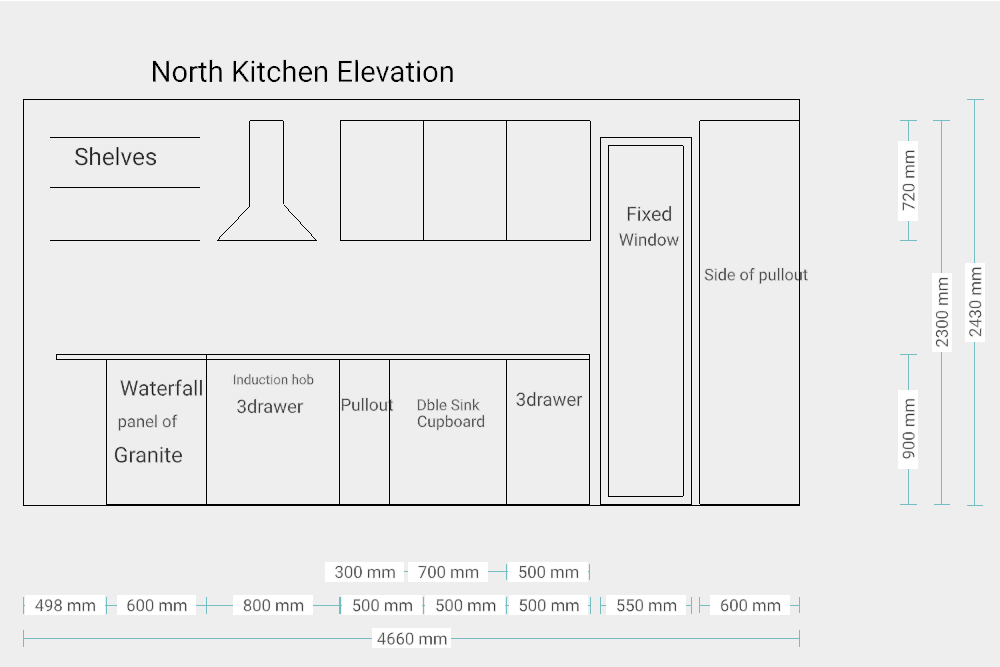
Elevations
Draw accurate elevations of kitchens, bathrooms, room walls, or building facades. See exactly how a design will look side-on before committing to it — something most floor plan tools can't do.
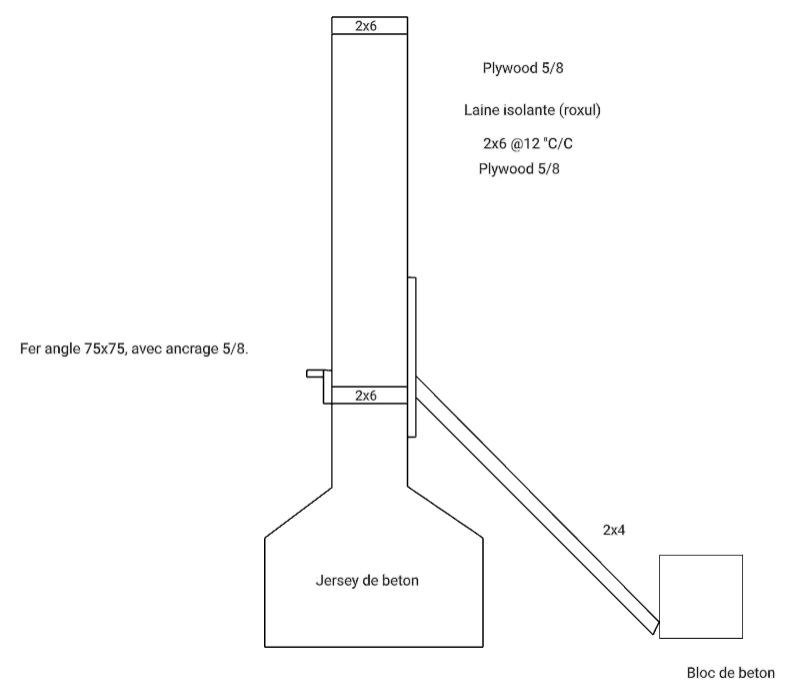
Carpentry & Joinery
Plan cabinet layouts, shelving units, stair stringers, or timber framing. Enter exact dimensions by keyboard, snap to guides, and export a clean drawing to take to the workshop.
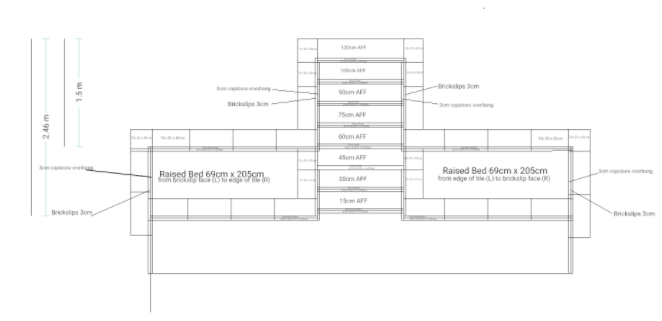
Technical Drawing
Produce accurate technical drawings for DIY projects, home improvements, planning applications, and building permits. Real-time measurements and smart alignment keep everything precise.
Annotate Existing Drawings
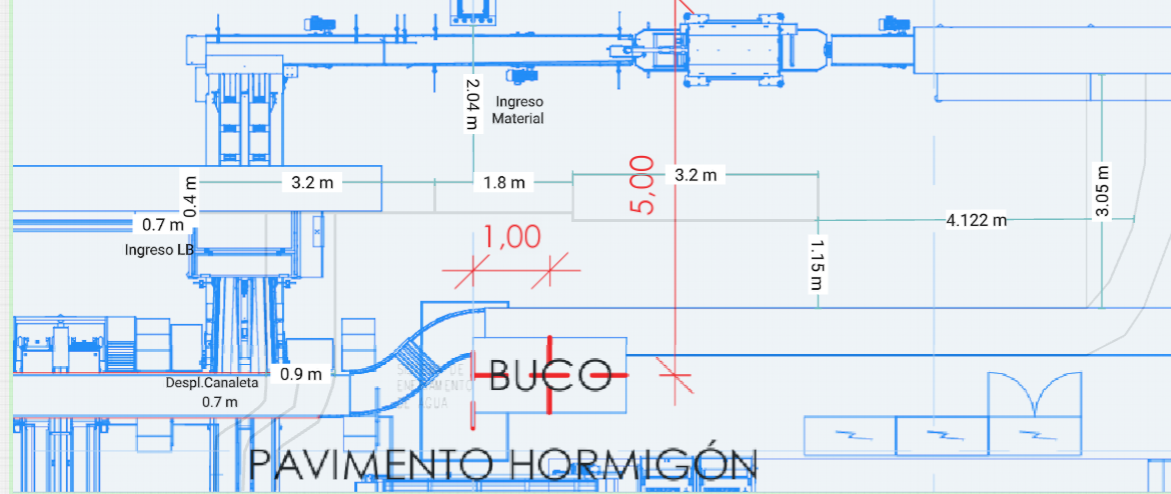
Upload a photo, scan, or architect's drawing as a background layer and draw or annotate directly over it. Mark up service positions, add dimensions, or overlay notes on a builder's plan.
Built for Accurate Drawing
Every feature in SimpleDraw is designed to help you draw with precision and confidence.
See Every Dimension as You Draw
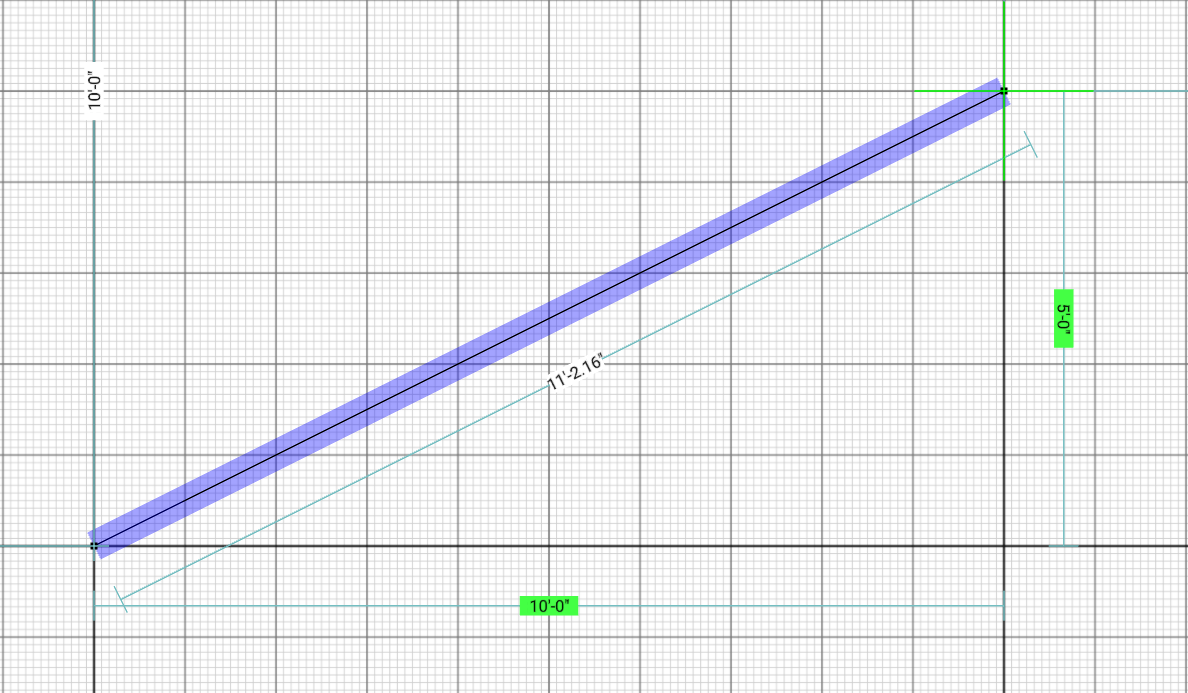
Wall lengths, stair rises, cabinet widths, rafter spans — every measurement updates in real time as you place and adjust elements. Work in metric or feet and inches; switch units at any point without touching the drawing.
Type the Number, Place the Line
When you know you need a 2,400mm stud, a 900mm door opening, or a 45° mitre, type it in directly. Exact dimensions by keyboard, for any line, position, or angle — no estimating, no nudging.
Straight Lines Without a Ruler
The smart alignment system snaps to horizontal, vertical, and parallel — so your elevation stays square, your timber frame stays true, and your annotation lines up with the drawing beneath. Zoom in for finer control when tolerances are tight.
Change Your Mind Without Starting Over
Move a wall, adjust a shelf height, reposition a window — every element stays editable. Copy and paste repeated elements like stud bays or cabinet carcasses. Full undo history means you can try things without commitment.
One Drawing, Any Output Scale
Your drawing stores real-world dimensions, not pixels. Export the same drawing at 1:20 for a detailed joinery sheet, 1:100 for a planning submission, or 1:500 for a site overview — without changing anything in the drawing itself.
Open Your Browser and Start
No installer, no licence key, no tutorial videos before you can draw a line. SimpleDraw works in Chrome, Firefox, Safari, and Edge on Windows, Mac, and Linux. Free to use, with no account required.
The Practical Alternative to CAD
Professional CAD tools are powerful — but they cost hundreds of dollars and take weeks to learn. Basic drawing apps are easy — but they have no concept of scale or real-world dimensions. SimpleDraw sits in the middle: accurate enough for real projects, simple enough to use immediately.
CAD Software
Powerful. Expensive. Weeks to learn. Overkill for most home and workshop projects.
SimpleDraw
Accurate scale drawing. Free. Works in your browser. Ready in minutes.
Basic Drawing Apps
Easy to use. No scale. No real-world measurements. Not suitable for technical work.
Frequently Asked Questions
Common questions about using SimpleDraw as a scale drawing tool
Ready to create your first floor plan?
Start Drawing — It's FreeReady to draw to scale?
Free to use, no download, no sign-up. Just open your browser and start drawing.
Start Drawing NowNeed to produce a PDF at a specific scale? Follow our step-by-step tutorial.