
VR Headsets for SimpleDraw
Key Features of Virtual Reality Headsets
Understand some of the key features of VR Headsets for SimpleDraw

WebXR Browser
SimpleDraw uses the web browser in your headset to deliver immersive VR walkthroughs
To use a VR Headset with SimpleDraw, it must have a web browser that supports WebXR.
All Meta Quest headsets come with a WebXR-compatible browser, as do most other modern VR headsets.

Controllers
When you are immersed in VR, you can move around the virtual space by walking and turning, just as you would in the real world.
But you can also use controllers to move through the space, which is important when the virtual space is larger than the physical room you are in

Passthrough
Passthrough is the capability of a headset to show the real world environment around you, alongside headset-generated VR content.
This enables 'Augmented Reality' (or 'Mixed Reality') experiences, where you can see the room you are standing in, but also see virtual objects and alterations.
SimpleDraw VR Walkthroughs don't support Augmented Reality, yet - but we hope to add some Augmented Reality features soon, allowing you to try out furniture and fixtures in your room, and even visualize putting new doors or windows into existing walls.

Depth Sensor
The Quest 3 has a built-in depth sensor.
We don't have any features that make use of this yet, but it potentially unlocks a number of exciting use cases for SimpleDraw, including automatic positioning of items in AR views, and automatically generating floor plans from room scans.
We aren't committing to any of these features yet, but if we do implement these, they will only be available on the Quest 3.

Lenses
All VR headsets have lenses that ensure that the images projected inside the headset are in focus.
'Pancake' lenses (found on the Quest Pro, 3 and 3S) are lower profile, which makes these headsets better balanced and a little more comfortable than the Quest 2, which has bulkier 'fresnel' lenses.
Pancake lenses also deliver a slightly sharper image.

Storage
All standalone VR headsets have built in storage, which is used for storing apps, photos, videos, and other content.
SimpleDraw stores all of its data in the cloud, so you really don't need to worry about how much storage you have on your device: even the smallest option would be plenty
The only reason to worry about on-device storage is if you also want to use the VR Headset for other activities, like gaming.
Which headset is right for you?
All four currently-supported Meta Quest models work with SimpleDraw. Here is how they compare specifically for use with SimpleDraw.
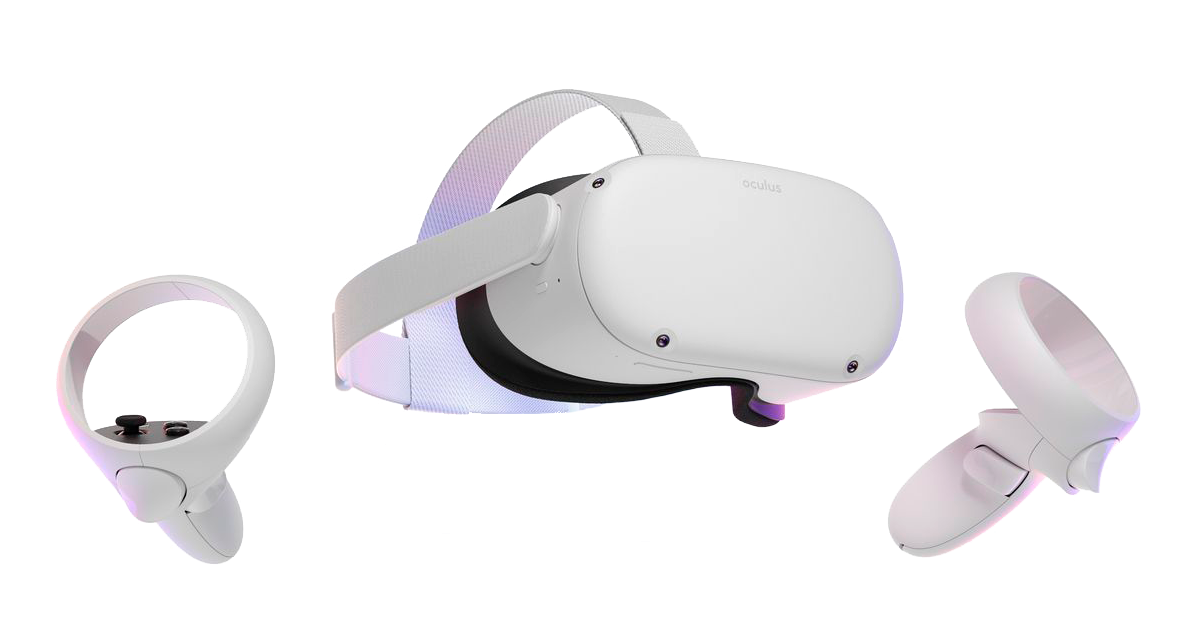
Meta Quest 2
Discontinued. Refurbished from around $150.
The cheapest route into room-scale VR. Works well for SimpleDraw's core VR walkthrough. The passthrough camera is black and white only, which limits its usefulness for AR features.
Meta has committed to security updates until December 2027. A reasonable buy if your budget is tight and your main goal is walking through floor plans in VR.
For SimpleDraw:
- + VR walkthrough works well
- - Black and white passthrough only; not suitable for upcoming AR features
- - Security updates end December 2027
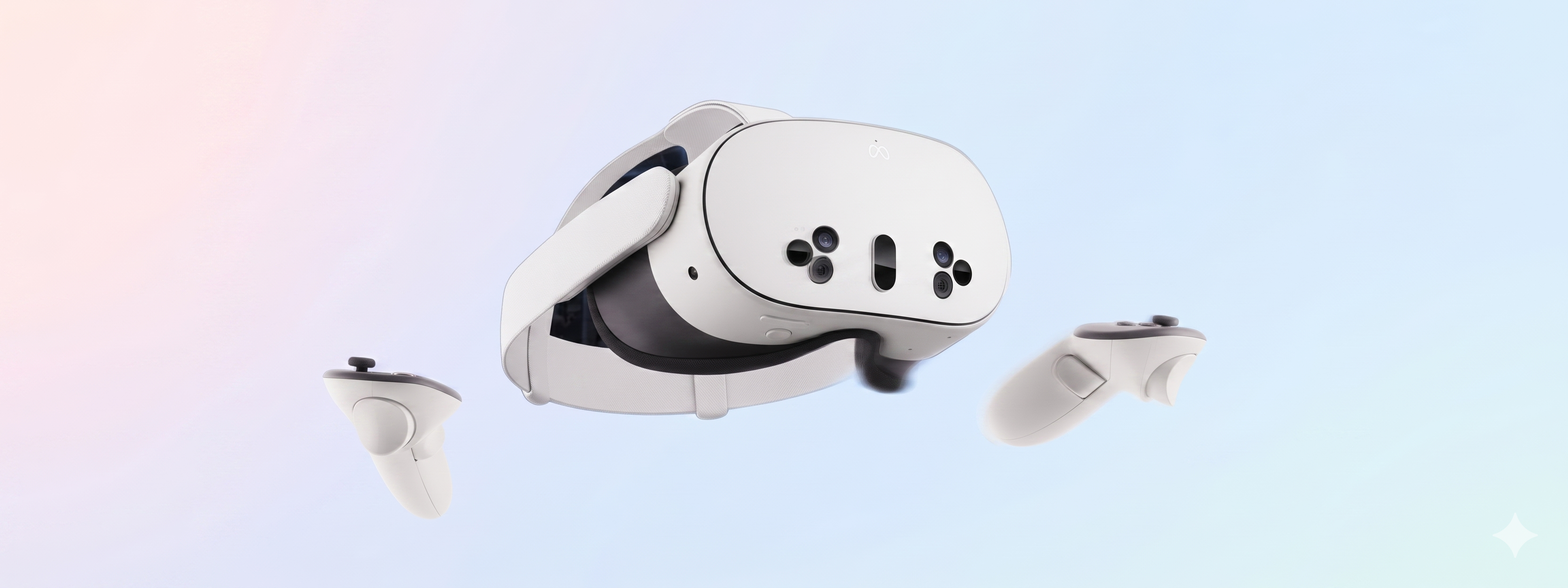
Meta Quest 3S
Available new from $299 (128GB).
Full color passthrough is the key upgrade over the Quest 2. Color passthrough means you can see your real room through the headset with virtual objects overlaid on top, which is what makes AR features possible.
AR features — placing furniture in your actual room, visualising what a new door or window might look like in an existing wall — are on SimpleDraw's roadmap and we hope to ship them in the coming months. If you are buying with an eye to the future, the 3S is the value pick.
For SimpleDraw:
- + VR walkthrough works well
- + Color passthrough, ready for upcoming AR features
- - No depth sensor (see Quest 3)

Meta Quest 3
Available new from $499.
The Quest 3 adds a depth sensor to the Quest 3S's color passthrough. A depth sensor can help to accurately position AR content like wall-mounted cabinets, new windows, doors and so on. It can also potentially be used to automatically scan a room and generate a basic floor plan shape.
Note that these capabilities don't exist yet in SimpleDraw There is genuine potential there, but we cannot commit to a timeline, and whether we build these features depends a lot on how many of our users share our excitement about these features.
For SimpleDraw:
- + VR walkthrough works well
- + Color passthrough, ready for upcoming AR features
- + Depth sensor unlocks planned future SimpleDraw features
- ~ More expensive than the 3S, and doesn't yet do much that the 3S can't do
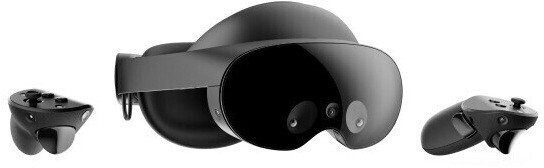
Meta Quest Pro
Discontinued. Refurbished from around $400.
The Quest Pro has excellent build quality and is comfortable for long sessions. It has color passthrough, which puts it ahead of the Quest 2 for AR use. However, the passthrough is uses a mono camera, which causes color bleed at the edges of walls — a noticeable issue when trying to visualise changes to a real room.
The Quest 3S is noticeably better for AR tasks at a lower price. If you already own a Quest Pro, it will work well with SimpleDraw, but at current refurbished prices, there's really no reason to recommend the Quest Pro over the 3S.
For SimpleDraw:
- + VR walkthrough works well
- + Color passthrough, better than Quest 2 for AR
- - Mono passthrough camera causes color bleed at wall edges
- - Expensive relative to the Quest 3S for similar AR capability
Using a different headset?
SimpleDraw uses WebXR, which is supported by Apple Vision Pro, Pico headsets, HTC Vive, and most other modern VR headsets.
If you already own one of these, it should work — though there are some limitations to be aware of:
- Apple Vision Pro has no controllers; we depend on controllers for movement and snap turns, so this means there are no movement controls in a SimpleDRaw VR walkthrough on the Apple Vision Pro
- Pico 4 has no passthrough or Augmented Reality support.
If you are buying specifically for SimpleDraw, we recommend the Meta Quest 2, 3S, or 3.
How to open the browser on your VR headset.Budget Options
If you only need VR at one or two decision points in a project, buying a new headset may not make sense. Refurbished headsets and short-term rentals are both worth considering.
Refurbished
Second-hand Quest 2 headsets are available from around $150 on Back Market, eBay, and Facebook Marketplace. Back Market grades and tests every device before listing, which reduces the risk compared to private sales.
Refurbished Quest 3S units are starting to appear on the second hand market, though prices are still closer to new at this stage.
Rental
Peer-to-peer rental platforms let you borrow a headset for a day or two at a fraction of the purchase price. Availability varies by city. We are building this list out as we find reliable options.
| Region | Provider | Notes |
|---|---|---|
| US, Canada, UK, Scandinavia | Hygglo | Peer-to-peer marketplace. Availability varies by city. Typically $15-25/day. |
| India | SharePal | Peer-to-peer marketplace. Select cities. |
Do you know of a rental service we have missed? Let us know.
Get your floor plan ready first
Before renting a headset for the day, it is worth drawing your floor plan and checking it in the desktop 3D view. That way you know your design is in good shape before you put the headset on — and you get the most out of the time you have with it. To view your own floor plans in 3D, you will need SimpleDraw Plus. Without it, you can view example floor plans in the Gallery in 3D or VR.
Get SimpleDraw Plus Now Try 3D / VR for freeFrequently Asked Questions
Ready to walk through your floor plan in VR?
The 3D and VR walkthrough is part of SimpleDraw Plus, from $5 USD for 3 months, or $10 for a full year.
No hidden costs. Cancel any time.